
How to Structure SharePoint So It Doesn’t Become Another Messy File Dump
Why structure matters from day one
One of the most common complaints about SharePoint is that it becomes disorganized over time. This usually happens not because of the platform itself but because structure was never clearly defined at the beginning. Without intentional planning, teams often recreate the same deep folder hierarchies they used in older systems. Preventing this outcome requires building an information architecture that reflects how the organization actually works.
Organizing libraries around business functions
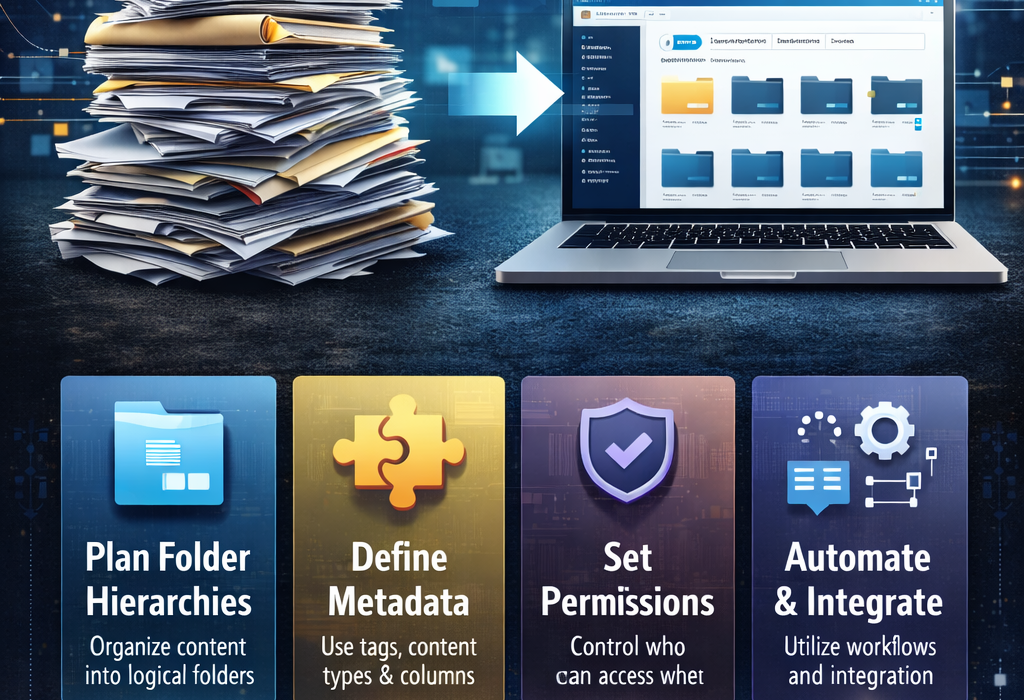
A strong SharePoint structure begins with defining libraries based on business processes rather than departments alone. When libraries align with workflows such as projects, contracts, or operational records, employees find information faster because the structure mirrors how they think about their work. This approach also reduces duplication since documents are stored logically instead of wherever someone happens to upload them.
Using metadata instead of relying on folders
Metadata is one of SharePoint’s most powerful features, yet many organizations underuse it. Metadata allows documents to be categorized by attributes such as client, project stage, document type, or year. When applied consistently, users can filter and search content quickly without digging through folders. Over time, metadata reduces dependence on complex folder trees and improves discoverability.
Designing permissions that support organization
Permissions influence structure more than many teams realize. If access is confusing, employees may store files in the wrong location simply because it is easier. Designing permissions around roles, responsibilities, and document sensitivity helps ensure content stays where it belongs while still remaining accessible to the right people.
Creating governance rules that keep order over time
Even well-designed systems can drift into disorder without governance. Governance policies define how new libraries are created, how files should be named, how versions are managed, and how records are archived. These rules ensure that structure remains consistent even as the organization grows.
Managing document lifecycles to prevent clutter
Not all documents need to remain active forever. Establishing lifecycle rules ensures outdated material is archived or removed automatically. This prevents clutter from building up and keeps search results focused on relevant information.
Training users to maintain the structure
Structure alone does not guarantee organization. Employees need simple guidance on where to store files, how to apply metadata, and how to manage versions. Clear instructions and training help ensure the system functions as intended.
Reviewing structure as the organization evolves
Over time, business priorities change and new teams or workflows appear. Reviewing the SharePoint structure periodically helps ensure it still reflects real operations and prevents unused libraries or outdated practices from accumulating.
Conclusion and next step
A well-structured SharePoint environment feels intuitive rather than complicated. Employees know where to store documents and how to find them without creating duplicates. If you want to ensure your SharePoint environment starts with the right architecture and stays organized as it grows, Contact Consentia to discuss building a structure that supports clarity, governance, and long-term usability.