

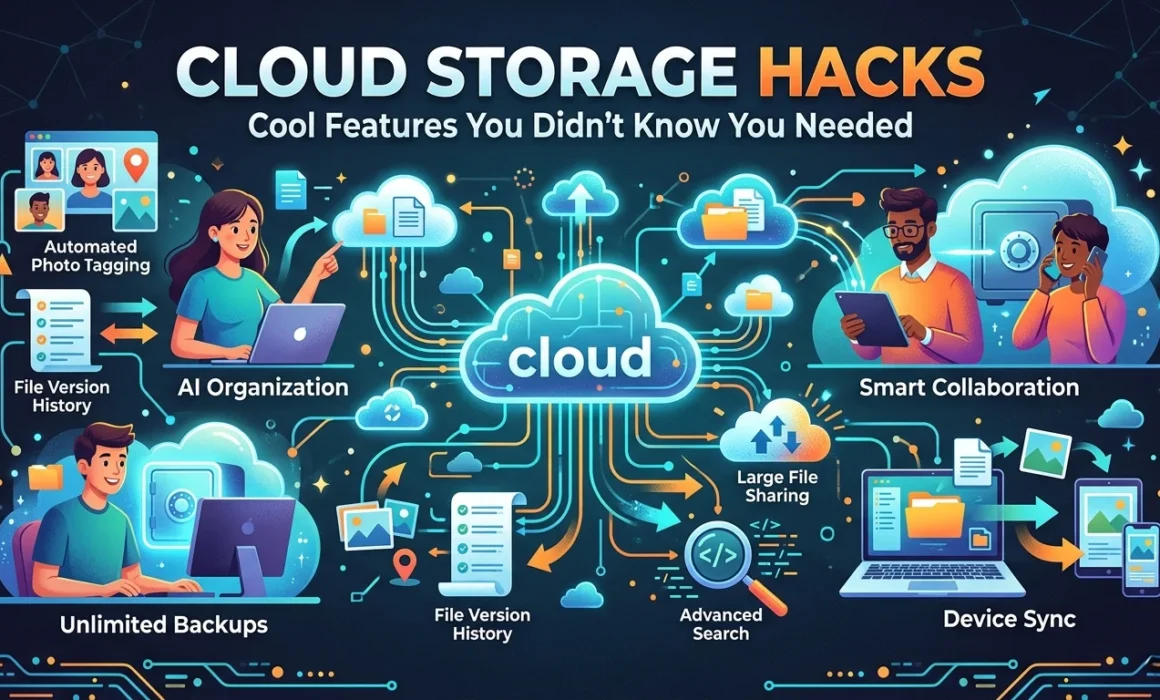
Cloud Storage Hacks: Cool Features You Didn’t Know You Needed
USB drives are used to dump and retrieve files when needed, and most people use cloud storage in similar ways. Uploading and then downloading does the job, but it barely scratches the surface of what modern cloud storage services can do.
The platforms that power today’s cloud storage have evolved far beyond simple file hosting. Buried beneath the familiar folder interface are advanced functionalities that can transform how individuals and teams work, protect against costly mistakes, and integrate seamlessly with the rest of a business’s technology stack. The catch? Most users never discover them.
Consider this your guided tour of cloud storage features worth knowing about, specifically the ones that quietly solve problems you didn’t realize cloud storage could fix.
The Safety Net You Didn’t Know Was There
Imagine spending three hours refining a proposal, saving your work, and then realizing you’ve accidentally overwritten the version your client approved. Or a team member edits a shared document and removes a section that turns out to be critical. In a world of local file storage, that content is gone. In a world of smart cloud storage, it almost certainly isn’t.
File versioning is one of the most valuable and underutilized features in cloud storage, and it works exactly as the name suggests: every time a file is saved or modified, the platform stores a snapshot of the previous version alongside the new one. Users can browse version history, compare changes, and restore any earlier iteration of a file with a few clicks.
The benefits of file versioning extend well beyond accidental deletions. For businesses, version history creates an implicit audit trail. A record of how a document has evolved, who made changes, and when. For creative teams, it means the freedom to experiment without fear, knowing that any earlier direction can be recovered. For anyone collaborating on documents with multiple contributors, it provides a clear way to understand what changed between drafts and roll back anything that shouldn’t have been touched.
Most major cloud storage services offer some form of file versioning, though the retention window varies. Some platforms keep versions for 30 days, others for 180 days or longer, and some allow unlimited version history on premium plans. It is worth knowing what your platform offers and whether it aligns with your business’s needs.
Stop Syncing Everything
Here is a scenario that will feel familiar to anyone who has ever set up cloud storage on a laptop: you connect your account, the sync begins, and an hour later, your hard drive is significantly fuller, and your machine is slower. The culprit is usually a large folder filled with archived projects, media files, and old backups that you never need to access locally but that synced anyway because that’s what the default settings told it to do.
Selective sync solves this smoothly. It allows users to choose exactly which folders and files are downloaded to a specific device, while everything else remains in the cloud and accessible on demand. The result is a local machine that holds only what you actually work with day-to-day, while your full cloud library remains intact and reachable whenever you need it.
For teams, selective sync is particularly powerful. A sales team member doesn’t need local copies of the engineering documentation repository. A designer doesn’t need to sync the finance team’s invoice archive. With selective sync, each person’s device holds only what is relevant to their role, reducing storage consumption, improving device performance, and minimizing the risk of sensitive files sitting on laptops they don’t belong on.
The feature also pairs well with offline access controls, where you can designate specific files or folders to be available offline on a particular device, ensuring that the documents you need during a flight or in a spotty-signal meeting room are always at hand, while everything else lives in the cloud.
Your Cloud Storage Doesn’t Have to Work Alone
One of the most significant cloud storage features that businesses consistently underutilize is integration. Modern cloud storage platforms are designed to connect with the other tools in your workflow, and the range of what’s possible goes well beyond simply attaching a file from your cloud drive to an email.
Cloud storage services like Google Drive, Microsoft OneDrive, Dropbox, and Box all offer robust integration ecosystems. Documents stored in the cloud can be opened and edited directly in productivity suites, with changes syncing automatically. Project management platforms can link tasks directly to relevant files stored in the cloud, so team members always have context alongside their to-do list. CRM systems can attach client documents to contact records, pulling directly from cloud storage rather than requiring manual uploads. Electronic signature platforms can send documents for signing and return the executed version directly to a designated cloud folder.
For businesses using automation tools, the integration possibilities extend even further. Workflows can be built that automatically move or rename files when certain conditions are met, trigger notifications when a document is updated, create folder structures when a new client is onboarded, or archive files to a compliance folder after a certain period.
The practical effect of these integrations is that cloud storage stops being a destination and becomes part of the flow of work. This reduces manual file management, eliminates duplicate uploads, and ensures that the right version of every document is always in the right place.
Sharing Smarter, Not Just Faster
Most people know that cloud storage makes sharing files easy. What fewer people use are the controls that make sharing safe and intelligent.
Shared links don’t have to be permanent or unrestricted. Most cloud storage services allow users to set expiry dates on shared links, so a document shared with a client for review automatically becomes inaccessible after a defined period, without any manual follow-up. Download permissions can be restricted, so a recipient can view a file but not save a local copy. Password protection adds another layer, ensuring that a shared link is only useful to someone who also has the passphrase.
For internal sharing, permission levels allow fine-grained control over who can view, comment on, or edit a document. These permissions can be applied at the folder level and inherited by everything inside, making it straightforward to set up a folder structure where the right people have the right access by default.
Notifications and activity monitoring take this further. Users can receive alerts when a shared document is viewed or edited, track who has accessed a file and when, and receive reminders when a shared link is approaching its expiry date. For client-facing work, this kind of visibility is useful to know when a proposal has been opened, which removes the uncertainty of following up blind.
How These Features Add Up to a Better Experience
Taken individually, each of these advanced functionalities solves a specific problem. Together, they change the experience of working with cloud storage from something passive and administrative into something that actively supports better work.
File versioning removes the anxiety from collaboration and editing. When you know that any version of the document can be recovered, you work with more confidence and less caution. Teams iterate more freely, experiment more boldly, and spend less time on defensive habits like saving multiple copies under different names.
Selective sync and smart sharing controls mean that cloud storage scales across organizations of different sizes and structures. A freelancer working solo and a team of fifty can both configure their cloud environment to fit exactly how they work, rather than bending their workflow to fit someone else’s processes or the default settings.
Integrations eliminate the friction of switching between tools. When your cloud storage connects to your project management system, your CRM, your e-signature platform, and your automation workflows, documents move through your business the way information should: automatically, in context, and without anyone having to manually shepherd them from one place to another.
And the cumulative effect on the day-to-day user experience is significant. Less time spent searching for files, fewer mistakes that require painful recovery processes, and less cognitive load managing where things are and who has access to what. More time and attention can be spent on the work that actually matters.
The businesses and individuals who get the most from their cloud storage services are not necessarily those with the most sophisticated plans or the largest storage quotas. They are the ones who have taken the time to understand what their platform can do and built habits and workflows around those cloud storage hacks to take full advantage.
Making the Most of What You Already Have
The most common reason businesses don’t use these features is that they don’t know they exist. Cloud storage platforms add capabilities regularly and quietly, and most users settle into their initial setup and never revisit it.
A periodic review of your cloud storage configuration, such as looking at versioning settings, sync rules, integrations, and sharing policies, often reveals opportunities to work smarter without spending anything more. And for businesses whose current platform isn’t meeting their needs, understanding what’s available makes it much easier to evaluate alternatives and make an informed switch.
At Consentia, we help organizations make sense of their document and data infrastructure, including getting more from the cloud storage tools they already use.