

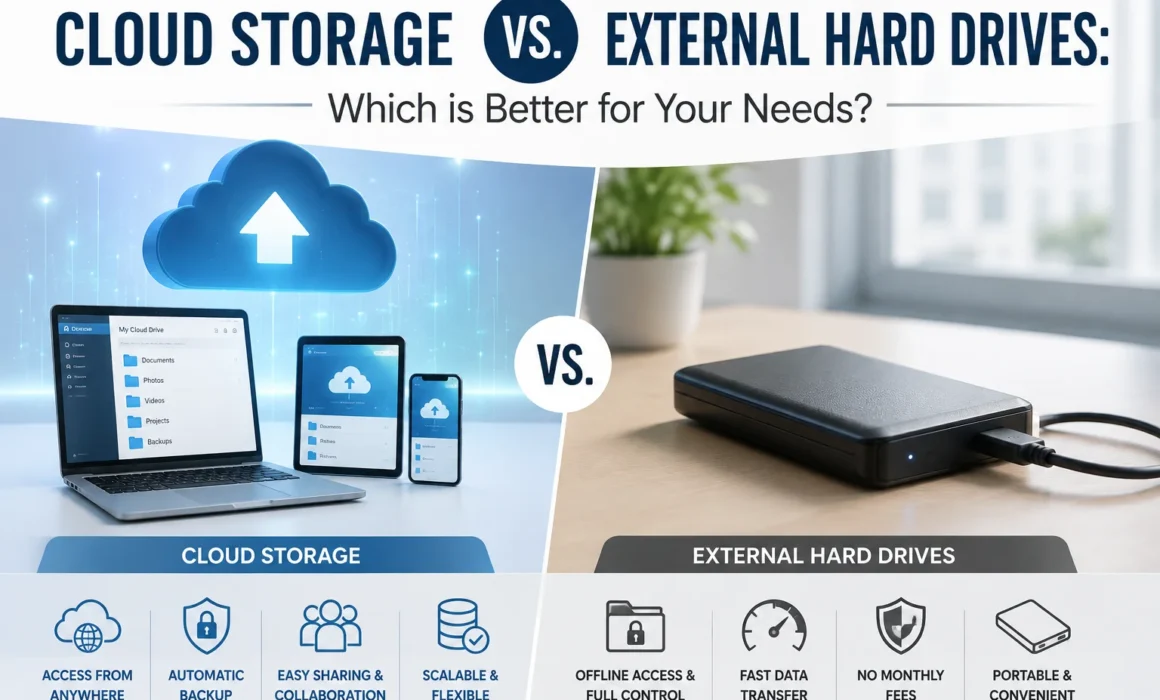
Cloud Storage vs. External Hard Drives: Which is Better for Your Needs?
Choosing the right storage solution for your digital files matters. Whether you’re storing family photos, important business documents, or years of organizational records, choosing the right solution affects accessibility, security, and cost.
Two of the most common options are cloud storage services and external hard drives. Both can provide additional space for your files and help protect information, but they work in very different ways.
Cloud storage services and external hard drives are two of the most common options, each providing additional space for your files. Although they both help protect information, they work in very different ways.
So, when it comes to cloud storage vs. external hard drives, which option is better?
The answer depends on what is being stored, how often access is needed, the required security measures, and how much money you’re able to spend. This data storage comparison helps break down the advantages and disadvantages of both options to help you make an informed decision.
What Is Cloud Storage?
Cloud storage saves files on remote servers operated by a third-party provider. Instead of things being stored directly on your computer or another physical device, the data is uploaded to a service’s data centre and can be accessed through the internet.
Popular cloud storage services offer features such as:
- Automatic backups
- File synchronization
- Remote access
- File sharing
- Collaboration tools
- Version history
- User permissions
This option is particularly useful for organizations with employees working from different locations. Authorized users can access files from their devices without needing to carry a storage device between locations.
Cloud storage also makes it easier to expand your available storage as your needs grow. Instead of purchasing another physical drive, you can often upgrade your storage plan.
What Are External Hard Drives?
External hard drives are physical storage devices that connect to your computer through a cable, typically USB.
They allow you to store files outside your computer’s internal storage and are commonly used for backups, archiving, and transferring large amounts of data.
External drives come in different sizes and formats, including traditional hard disk drives (HDDs) and solid-state drives (SSDs).
An external drive can be a practical choice when you need a large amount of storage without paying a recurring monthly or annual subscription.
However, because the device is physical, you’ll need to consider where it’s stored and how it’s protected.
Accessibility: Cloud vs. Physical Storage
One of the biggest differences in this data storage comparison is accessibility.
With cloud storage, your files can generally be accessed from anywhere with an internet connection, provided you have the appropriate credentials and permissions.
This makes cloud storage convenient for:
- Remote employees
- Hybrid workplaces
- Collaboration
- Travelling professionals
- Accessing files across multiple devices
External hard drives are more limited. You generally need to have the physical device with you and connect it to a compatible computer.
For example, if you leave your external drive at the office, you won’t be able to access the files stored on it from home unless you have another backup or remote access solution.
For convenience and mobility, cloud storage has a clear advantage.
Storage Capacity
Storage capacity is another important factor when deciding between these two options.
External hard drives can provide substantial storage in a single physical device. You can purchase a drive with enough capacity to hold everything from a few hundred gigabytes to several terabytes of data.
Cloud storage capacity depends on your provider and subscription plan. Individuals may only need a small amount of storage, while businesses with large archives may require significantly more.
One consideration is scalability.
With an external hard drive, you need to purchase another drive when you run out of space. With many cloud providers, you can upgrade your plan instead.
For organizations experiencing rapid data growth, the ability to scale storage without purchasing and managing additional physical hardware can be a significant advantage.
Data Security Considerations
Security is one of the most important factors in the cloud storage vs. external hard drives debate.
Cloud providers typically use security measures such as encryption, authentication, access controls, monitoring, and redundant infrastructure. However, security practices vary between providers, so organizations should carefully evaluate a provider before storing sensitive information.
Cloud storage also introduces risks such as:
- Compromised passwords
- Phishing attacks
- Unauthorized account access
- Misconfigured permissions
- Internet dependency
External hard drives provide a different security model. Because the device isn’t continuously connected to the internet, it can be isolated from certain online threats.
However, physical drives can be:
- Lost
- Stolen
- Damaged
- Destroyed by fire or flooding
- Infected with malware when connected to an affected computer
For particularly sensitive information, organizations should consider encryption and access controls regardless of which storage method they choose.
Cost: Which Option Is More Affordable?
Cost is another major consideration.
External hard drives typically involve a one-time purchase. Once you own the device, there are generally no ongoing storage subscription fees.
That can make them attractive for users who need a large amount of storage for long-term archival purposes.
Cloud storage typically works on a subscription model. You pay monthly or annually based on your storage requirements and the features included in your plan.
Although recurring fees can add up over time, cloud services may include additional features such as:
- Automatic backups
- Synchronization
- Collaboration
- File sharing
- Version history
- Technical infrastructure
- Redundancy
When comparing prices, don’t look only at the cost of the storage itself. Consider the value of the features, maintenance, security, accessibility, and backup capabilities included with each option.
Reliability and Backup
It’s important to remember that storage and backup aren’t necessarily the same thing.
Saving a file in the cloud doesn’t automatically mean you have a comprehensive backup strategy. Similarly, copying everything onto an external hard drive doesn’t protect you if that drive is damaged or lost.
A strong backup strategy generally involves maintaining multiple copies of important data in different locations.
For example, you might keep:
- Your working files on your computer.
- A cloud copy for convenient access.
- An external hard drive stored separately as an additional backup.
This approach reduces the risk that a single hardware failure, account issue, or disaster will result in permanent data loss.
Cloud Storage vs. External Hard Drives for Businesses
Businesses often have more complex storage requirements than individual users.
Companies may need to manage:
- Customer records
- Financial documents
- Employee information
- Contracts
- Marketing assets
- Project files
- Backups
- Long-term archives
Cloud storage can make collaboration and remote access much easier, while external drives can be useful for offline backups and large archives.
However, organizations should also consider whether either solution meets their records management, privacy, retention, and security requirements.
For highly sensitive or regulated information, businesses may benefit from combining storage technology with a broader information management strategy.
Can You Use Both?
Absolutely.
In fact, using both can provide a more comprehensive approach to protecting important files.
For example, an organization could use cloud storage for everyday collaboration and accessibility while maintaining encrypted external hard drives for offline backups.
This creates redundancy without relying entirely on one storage method.
The key is to keep backup devices secure and, where possible, physically separate from the primary data source.
Which Storage Option Is Right for You?
There’s no universal winner in the cloud storage vs. external hard drives debate.
Cloud storage may be the better choice if you prioritize:
- Remote access
- Automatic synchronization
- Collaboration
- Scalability
- Convenience
- Access across multiple devices
External hard drives may be better if you prioritize:
- One-time costs
- Large local storage capacity
- Offline access
- Physical control over your data
- Offline backups
For many people and organizations, the best solution isn’t choosing one over the other. Using cloud storage alongside external hard drives can provide both convenience and redundancy.
Frequently Asked Questions
What are the main differences between cloud storage and external hard drives?
Cloud storage saves your files on remote servers managed by a service provider, allowing you to access them through the internet. External hard drives store files on a physical device that you control and connect directly to a computer.
Cloud storage generally offers greater accessibility, synchronization, and scalability, while external hard drives provide physical control, offline access, and typically a one-time purchase cost.
Which option offers better data security?
Neither option is automatically more secure in every situation. Cloud providers can offer strong security measures such as encryption, authentication, access controls, and redundant infrastructure. However, cloud accounts can be targeted through compromised credentials or phishing.
External hard drives aren’t continuously connected to the internet, which can reduce exposure to certain online threats. However, they can be lost, stolen, damaged, or infected with malware.
The security of either option depends heavily on how it is configured and managed. Encryption, strong passwords, access controls, and a reliable backup strategy are important regardless of the storage method you choose.
How do storage capacities compare between the two?
Both cloud storage and external hard drives can provide significant storage capacity, but the way that capacity is expanded differs.
External drives are available in a wide range of capacities, including multi-terabyte options. If you need additional space, you can purchase another drive.
Cloud storage providers typically offer different subscription tiers. When you need more space, you can generally upgrade your plan without purchasing additional hardware.
For large-scale archives, the most cost-effective option depends on the amount of data being stored and how frequently you need to access it.
Which is more cost-effective in the long run?
It depends on your storage needs.
External hard drives generally have a higher upfront cost but don’t typically require a recurring subscription. This can make them economical for long-term offline storage.
Cloud storage usually involves recurring fees, but those fees cover services such as automatic synchronization, backups, file sharing, remote access, and infrastructure management.
When comparing data storage options, consider the total cost of ownership rather than simply comparing the purchase price of a drive with a monthly cloud subscription.
Can cloud storage and external hard drives be used together?
Yes, and using both can be an excellent strategy.
Cloud storage can provide convenient access and synchronization for your active files, while an external hard drive can provide an additional offline copy of important information.
Using multiple storage methods creates redundancy and reduces the risk of losing everything if one storage location becomes unavailable.
For especially important business information, a comprehensive backup and records management strategy should consider where information is stored, who can access it, how long it should be retained, and how it will be recovered if something goes wrong.
Final Thoughts
Choosing between cloud storage services and external hard drives doesn’t have to be an either-or decision. Both solutions have valuable roles depending on your organization’s needs.
Cloud storage offers accessibility, scalability, and collaboration, while external hard drives offer physical control, offline access, and a straightforward way to create additional backups.
The best approach is to consider your storage capacity, budget, security requirements, accessibility needs, and backup strategy before making a decision.
And when it comes to protecting important information, remember that where you store your files is only one piece of the puzzle. A thoughtful information management strategy can help ensure your data remains accessible, secure, and protected throughout its lifecycle.